Off-the-shelf software vs a custom build: how a service business should decide
How service businesses should weigh ready-made software against a custom build: when each makes sense, the honest trade-offs, and a simple way to decide.
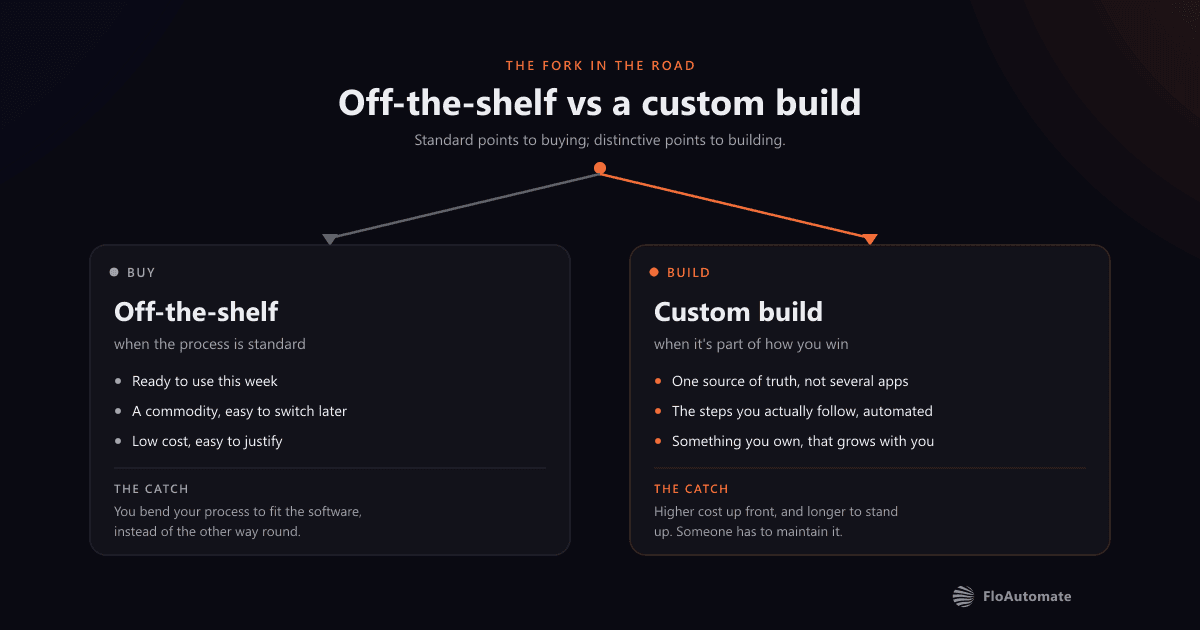
Most service businesses don't set out to buy software. They set out to fix a problem: quotes taking too long, invoices slipping through the cracks, a diary that lives in three places. The moment you start looking, you hit the same fork in the road: pay for an off-the-shelf product, or have something built around how you actually work?
It's a genuine decision, not a marketing one. Both answers are right in the right situation. The mistake is choosing on instinct (picking the tool everyone else uses, or commissioning a custom build because it sounds impressive) instead of choosing on fit.
Start with the problem, not the product
Before comparing options, get specific about what's actually slowing you down. "We need better software" isn't a brief. "It takes us fifteen minutes to turn an enquiry into a quote, and half of them never get followed up" is. The clearer the problem, the easier the rest of this decision becomes, because you can measure any option against it instead of against a feature list.
When off-the-shelf is the right call
For a large share of jobs, a ready-made product is the sensible answer. Accounting, payroll, email, calendars, card payments: these are solved problems, maintained by teams whose whole business is keeping them working. You won't out-build a dedicated bookkeeping product, and you shouldn't try.
Off-the-shelf tends to win when:
- The process is standard: your version of invoicing or scheduling looks much like everyone else's.
- You need it working this week, not next month.
- The budget for a one-off problem is small, and a monthly subscription is easier to justify.
- It's a commodity, so switching to a different tool later would be straightforward.
When off-the-shelf starts costing you
The trouble starts when a generic tool meets a non-generic business. You bend your process to fit the software instead of the other way round. You pay for forty features to use four. You bolt three products together with spreadsheets and copy-paste to cover the gaps. And that glue work quietly becomes someone's full-time job.
Watch for these signs:
- Your team keeps a spreadsheet "on the side" because the tool can't quite do the thing they need.
- The same data gets typed into two or three systems that don't talk to each other.
- You're paying per seat for software where most people only ever touch one corner of it.
- Onboarding a new starter means teaching them a stack of workarounds, not a workflow.
- The thing that makes you better than your competitors is the exact thing the software can't handle.
What a custom build actually buys you
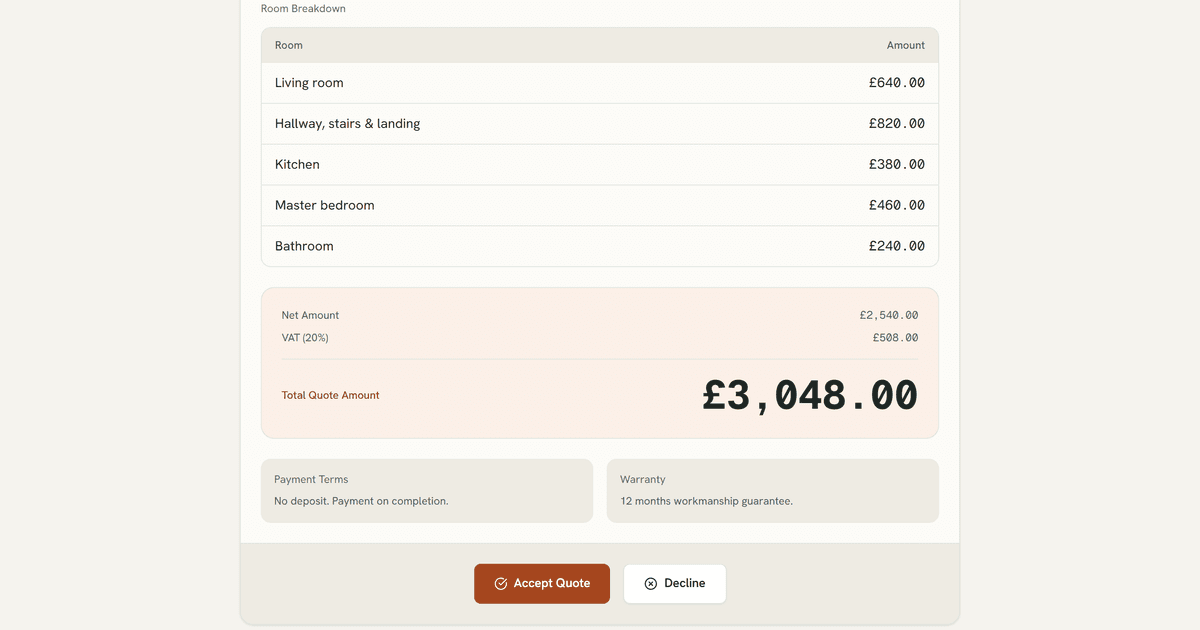
A custom build isn't about having fancier software. It's about software that maps to your operation precisely, so the workflow on screen is the workflow in real life, with nothing in between. I've watched a painting and decorating firm go from paper, spreadsheets and gut feel to a single system covering estimate through to payment, and a pharmacy's manual prescription process turn into one that runs itself. The common thread isn't the technology; it's that the software finally matched the business.
Done well, that means:
- One source of truth, instead of several half-truths spread across apps.
- The steps your business actually follows, in the order you actually follow them.
- Automation of the repetitive parts (the data shuffling, the reminders, the document generation) so people spend their time on the work only people can do.
- Something you own and that grows with you, rather than a subscription that dictates how you operate.
The honest trade-offs of going custom
Custom isn't free of downsides, and anyone telling you otherwise is selling. It costs more up front than a subscription. It takes longer to stand up than signing up for an account. And someone has to maintain it: software that isn't looked after ages badly.
- A higher initial investment, even where it pays back over time.
- A build period before you see value: weeks, not minutes.
- A need for ongoing support, so it stays healthy as your business changes.
- A dependence on whoever builds it, which is exactly why ownership and a clean handover matter.
A simple way to decide
When a business asks me which way to go, I don't start with technology. I ask a handful of plain questions:
- Is this process the same as everyone else's, or is it part of how we win? Standard points to buying; distinctive points to building.
- How much is the current way actually costing us (in hours, errors, and work that falls through the cracks) every month?
- If we buy the closest off-the-shelf tool, how much manual glue will we still be doing around it?
- Will we still be doing this in three years, at greater volume? Permanent, growing problems justify permanent solutions.
If the honest answers point to "standard, cheap, temporary", buy something and move on. If they point to "distinctive, expensive to keep doing by hand, here to stay", a build will usually earn its keep.
The middle path most businesses miss
It's rarely all or nothing. The strongest setups use off-the-shelf products for the commodities (accounting, payments, email) and a custom layer for the part that's genuinely theirs: the quoting logic, the job pipeline, the customer portal. The skill is knowing which is which, and connecting them so data flows instead of being re-typed.
So before you commit either way, write down the one or two processes that genuinely set your business apart. Buy everything around them. Be willing to build the bit in the middle. That's usually where the real time and money is hiding. And it's the part no generic product will ever fit on your behalf.