What a decorating business actually needs from job management software
What a decorating business really needs from job management software: quoting with materials, scheduling, customer ledger, and milestone invoicing.
A decorator's day looks nothing like a software demo. It looks like a survey at half eight, a customer who wants a price before she rings the next firm, four crews to place across five jobs, and an invoice that should have gone out a fortnight ago. Job management software for decorators either fits that day or it gets opened twice and abandoned by week three.
I build business systems for trade firms, and I built one from scratch for a painting and decorating company. This is what turned out to matter, what turned out to be decoration, and where I have a commercial interest in your answer. Everyone writing about this has one. Most do not say so.
What job management software for decorators actually has to do
Job management software for a decorating business is a single system that carries a job from the first survey to the final payment: estimating with materials, quoting, scheduling the team, tracking the job through to completion, and invoicing. Everything beyond those five things is optional, and most of it gets sold to you anyway.
- Estimate a job room by room, with materials and labour costed separately.
- Turn that estimate into a quote the customer can read and accept without ringing you first.
- Put the right work in front of the right person on the right day, and let you move it when the day moves.
- Show where every live job actually is, and what it is worth.
- Raise invoices at the agreed points and tell you plainly who has not paid.
A product that does those five well will earn its keep. One that does forty things, and three of those five badly, will not. Apply that test before you look at a single feature grid.
Estimating with materials, not gut feel
This is the part that pays for everything else. The question underneath most software shopping in this trade is really how to quote a decorating job accurately, and fast enough to still be first. Gut feel is quick and occasionally expensive. A spreadsheet is accurate and slow. You want a calculator that gets you both.
In the app I built for Holland Decorating, estimating is a four-step wizard: job type, then room dimensions, then a fully itemised estimate with VAT, the rooms grouped and the total updating live as the inputs change. Rooms are the natural unit of a decorating job, so an estimator built around linear metres or roof pitches will fight you every time. Materials are where margin quietly leaks, so they have to be costed rather than guessed at. And a total that moves while you type lets you sanity-check a number in front of the customer instead of in the van two hours later.
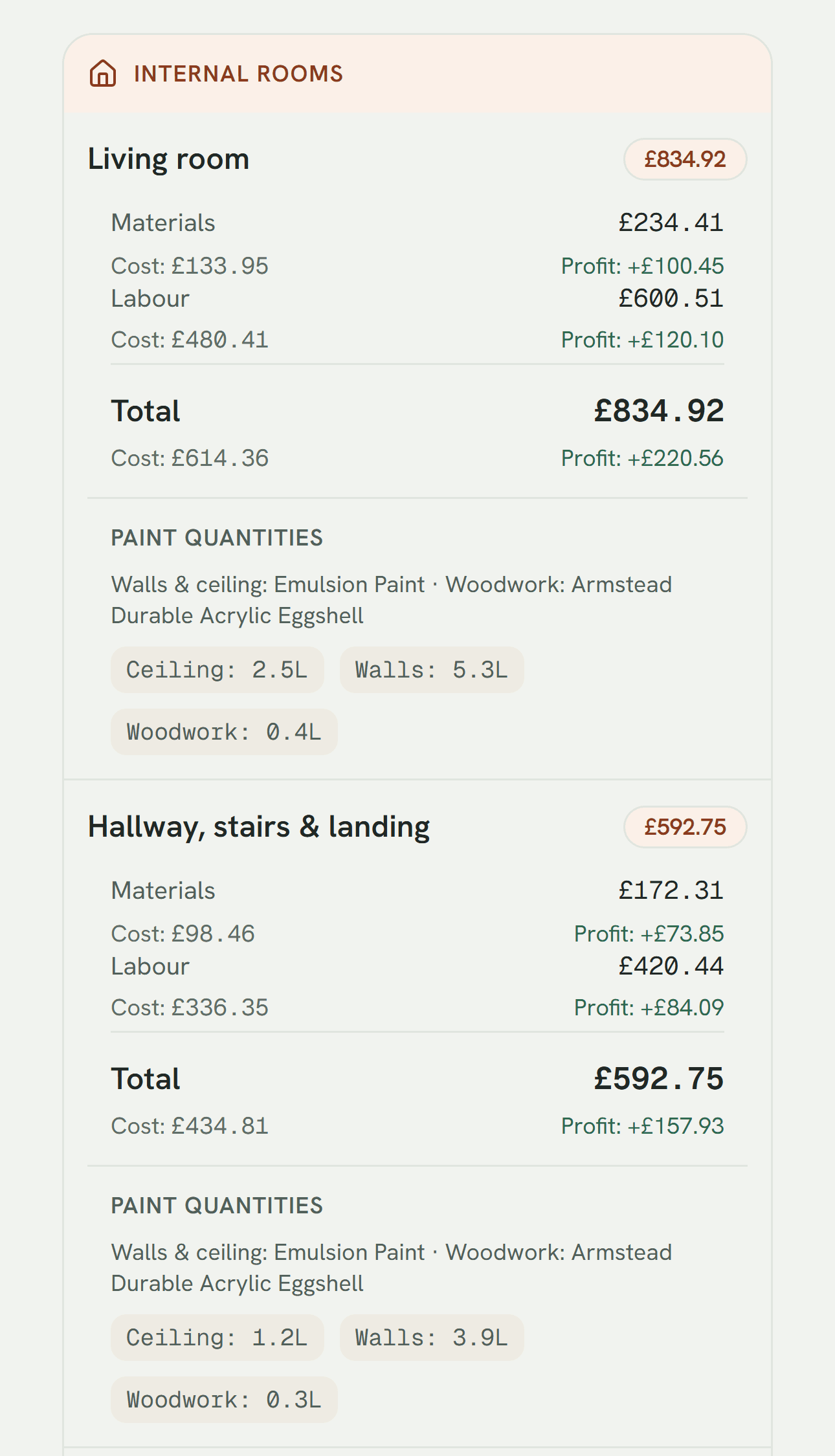
Two things belong on that screen that vendors rarely show: the profit on each room, not just the price, and the paint quantities the estimate implies. One tells you whether the job is worth having. The other tells you what to put in the van.
“We went from estimating jobs on gut feel and tracking everything on paper to having a proper system that handles it all. Quotes, scheduling, invoicing, the lot. It's changed how we run the business.”
Ryan and I have since gone into business together on a product for the wider trade. Better you have that here, next to his words, than find it out later. Fuller disclosure below.
Quotes that go out the same day
The firm that quotes first usually wins, and the delay is almost never the estimating. It is the typing up afterwards, the evening job of turning scribbled measurements into something a customer will take seriously. That gap is where quotes go out late, inconsistently, or not at all.
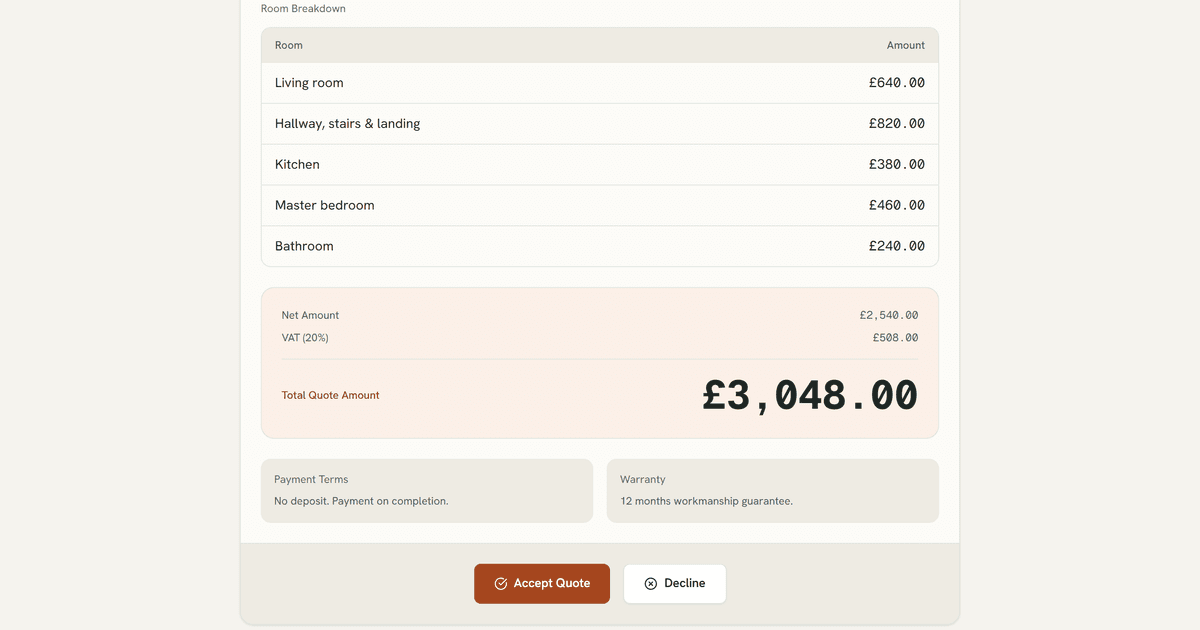
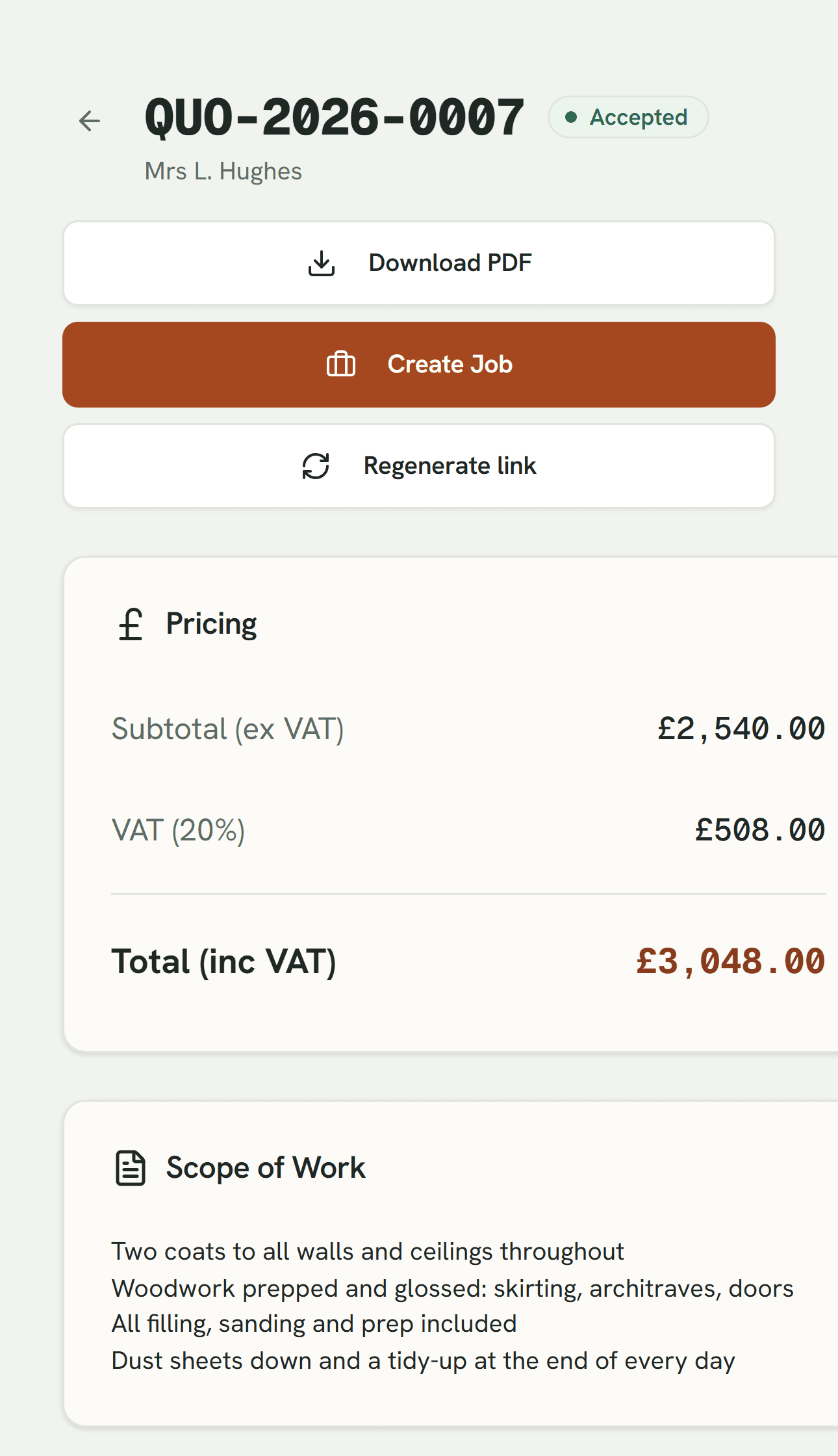
So the estimate and the quote should be one document seen from two sides. You price the job; the customer gets a page with the rooms, the scope, the VAT and the total, and a button to accept it. When they press it, the quote should become a job without anyone retyping a thing.
A schedule you can actually move
A decorating schedule is not a plan. It is a thing that changes at seven in the morning when someone calls in sick or the customer's kitchen fitter has not finished. What works is dull and physical: unassigned jobs sit at the top of the board, you drag one onto a person's day, the worker is notified, and every device shows the same calendar a second later. The test is not whether a tool can build a schedule. It is what it costs you to change one at seven in the morning with a phone in one hand. Make that expensive and the whole thing gets replaced by a WhatsApp group inside a month.
Knowing where every job actually is
Jobs should flow through a short, honest pipeline: approved, scheduled, in progress, completed, with running totals at every stage. The board is not the point. The totals are. They tell you what is coming, what is earning, and where the queue is jamming, which is the difference between a busy month and a profitable one. Add profit margin reporting and you get the number most firms only meet at year end, when it is far too late to do anything about it.
The customer ledger
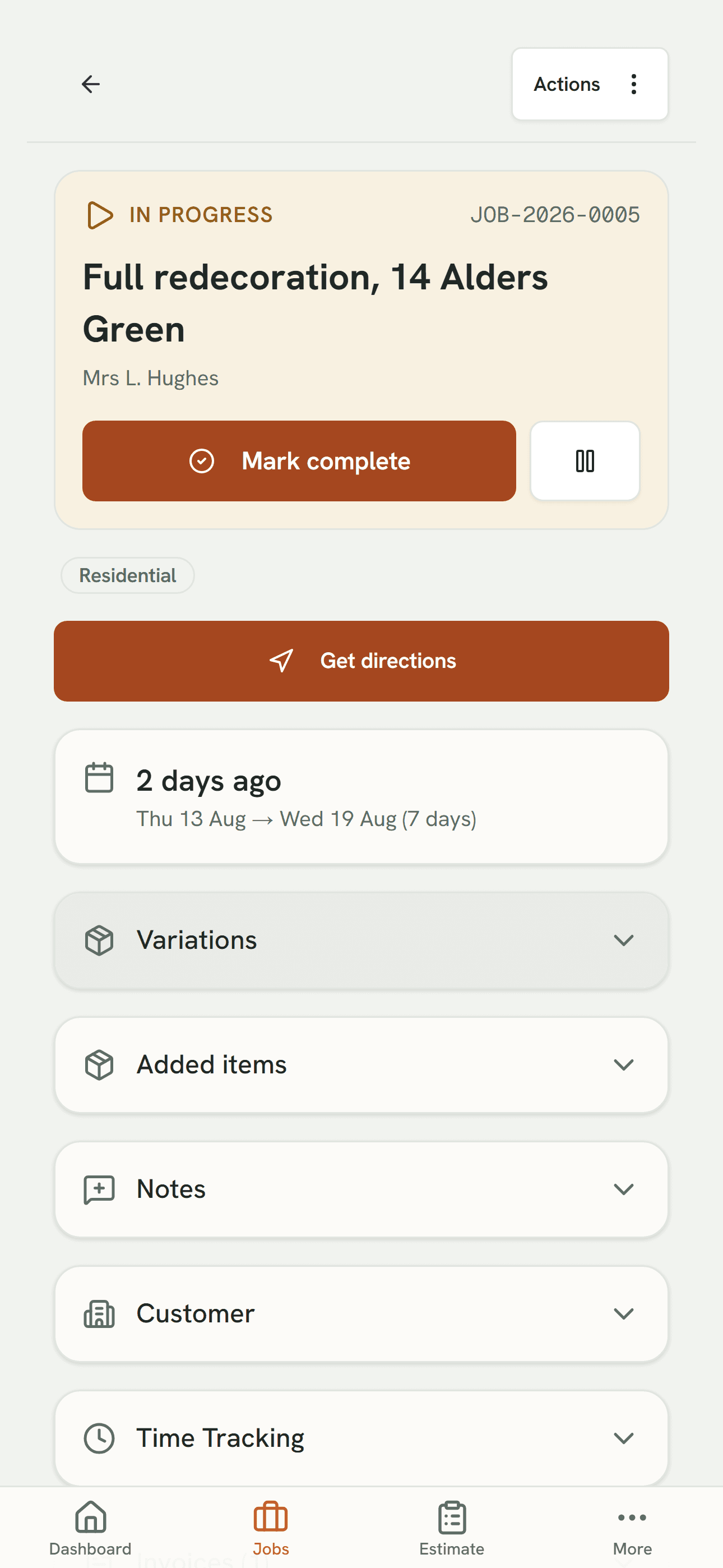
Every customer, every job, every pound, in one searchable place. Commercial and residential kept apart, because they behave differently: different payment terms, different repeat patterns, different chasing. Jobs and totals next to the contact details, so you can see what a customer is worth before you price their next hallway.
This is the part people undervalue, and it is the asset you keep. Job software that does not accumulate a customer history is a to-do list with invoicing bolted on. Five years of who paid on time, who haggled and who came back is worth more than anything on the box.
Milestone invoicing, and actually getting paid
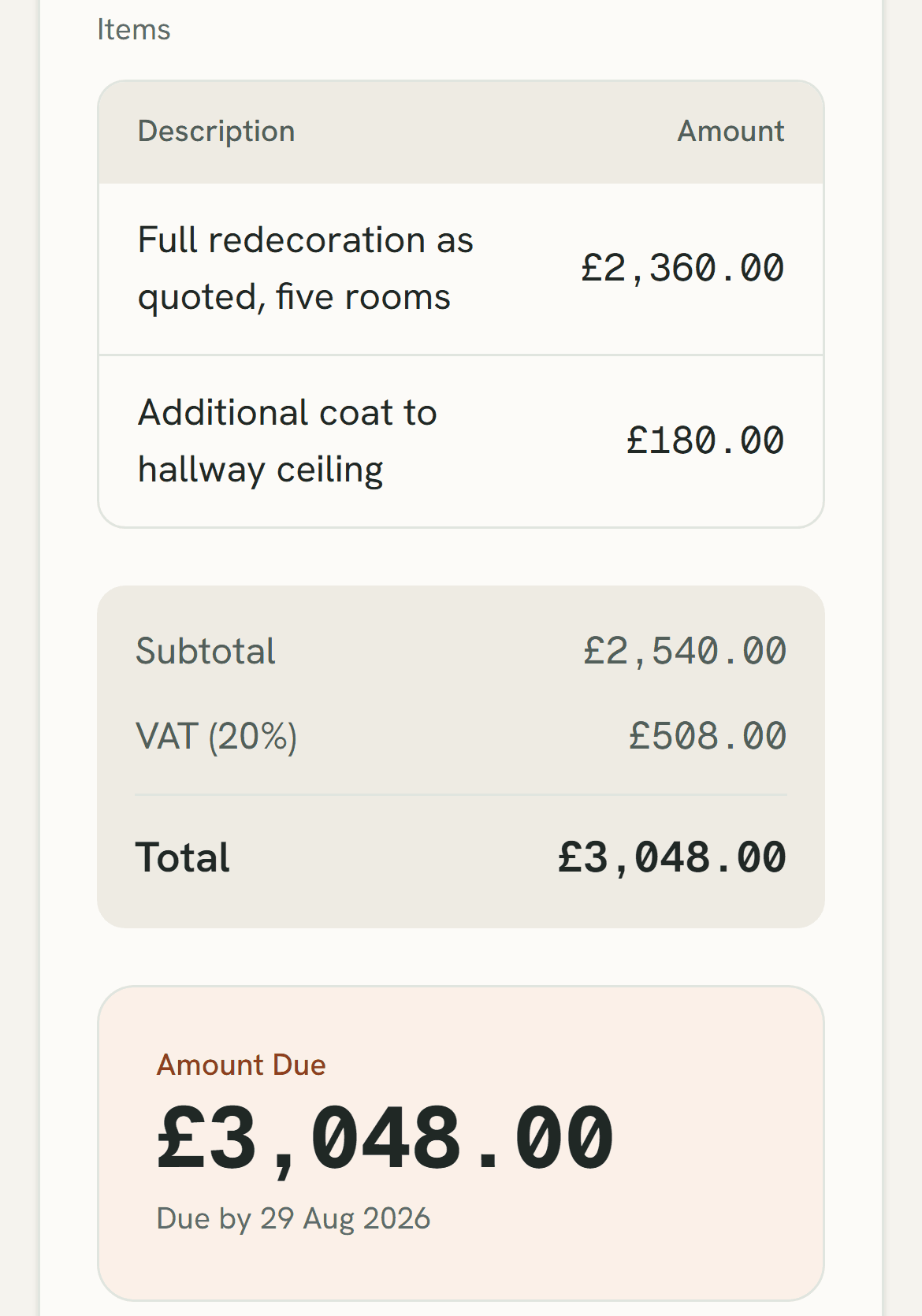
On a decorating job of any size you do not invoice once at the end. You invoice at agreed points, and chasing those points across a spreadsheet and a memory is exactly where money goes quietly missing. That is the real job of decorators invoicing software, and it is not making the invoice look nice.
You want invoices raised per milestone and sent automatically, payments reconciled against them as they land, and outstanding, paid and overdue totals that stay live without anyone maintaining them. Chasing becomes a one-minute job on a Friday instead of an afternoon, and you stop being the firm that finishes the work and forgets to ask for the money.
What the vendors sell that you probably don't need
This is not about naming particular products. The patterns repeat across all of them, and they are easy to spot once you know the shapes:
- Per-seat pricing on a team where most people only open one screen. A decorator on site needs today's job, directions and a way to mark it done. Paying an office price for that is paying for doors nobody opens.
- Feature grids built for a different trade. If the estimating unit is a linear metre or a roof pitch, you will spend your life translating.
- CRM and marketing modules bolted on and sold as an all-in-one. Ask yourself when you last wanted a drip campaign.
- Apps that assume a signal. Plenty of the houses you work in have thick walls and no bars in the back bedroom.
The heuristic I would use: count the screens your team would genuinely open in a week. If the honest number is three, you are being sold a suite to get three screens, and you should pay accordingly.
Buy it or build it
For most decorating firms, the honest answer is buy something. If your process is close to standard, and for a great many firms it is, a product will be cheaper, faster and better supported than anything bespoke. The longer version of that argument is in off-the-shelf software versus a custom build, and nothing here contradicts it.
The product I co-own is BrushDesk. It is live, it does the five things at the top of this post, and there is a 14-day trial with no card required. It also charges per seat, which is the thing I just criticised, so here is the same test applied to it: office seats are £39 a month and team seats are £10, on the reasoning that a decorator who opens one screen should not pay what the office pays. Whether that split is fair is your call. Count your screens, then decide. Paying yearly gives two months free, and no VAT is currently charged.
Building something bespoke is for the genuine misfits: multi-trade operations, a workflow nobody else runs, or a system that has to talk to something you already depend on. That is where custom software for service businesses earns its cost, and not really before. One line of lineage while I am being straight with you: the bespoke Holland Decorating build came first, and the product grew out of it.
Where to start
Before you book a single demo, write down the five things your business does between the survey and the payment, in your words rather than a vendor's. Score every option against those five and ignore the rest of the feature list, including mine. Often four of the five are fine already and one is quietly costing you, which tells you what to buy and how hard to look.
Written by Zahir Ibrahim, founder of FloAutomate in Ainsdale, Southport, Merseyside, building software for service businesses across Merseyside and the North West. If you want a second opinion on a shortlist, including an honest one about whether you need me at all, send it over.